
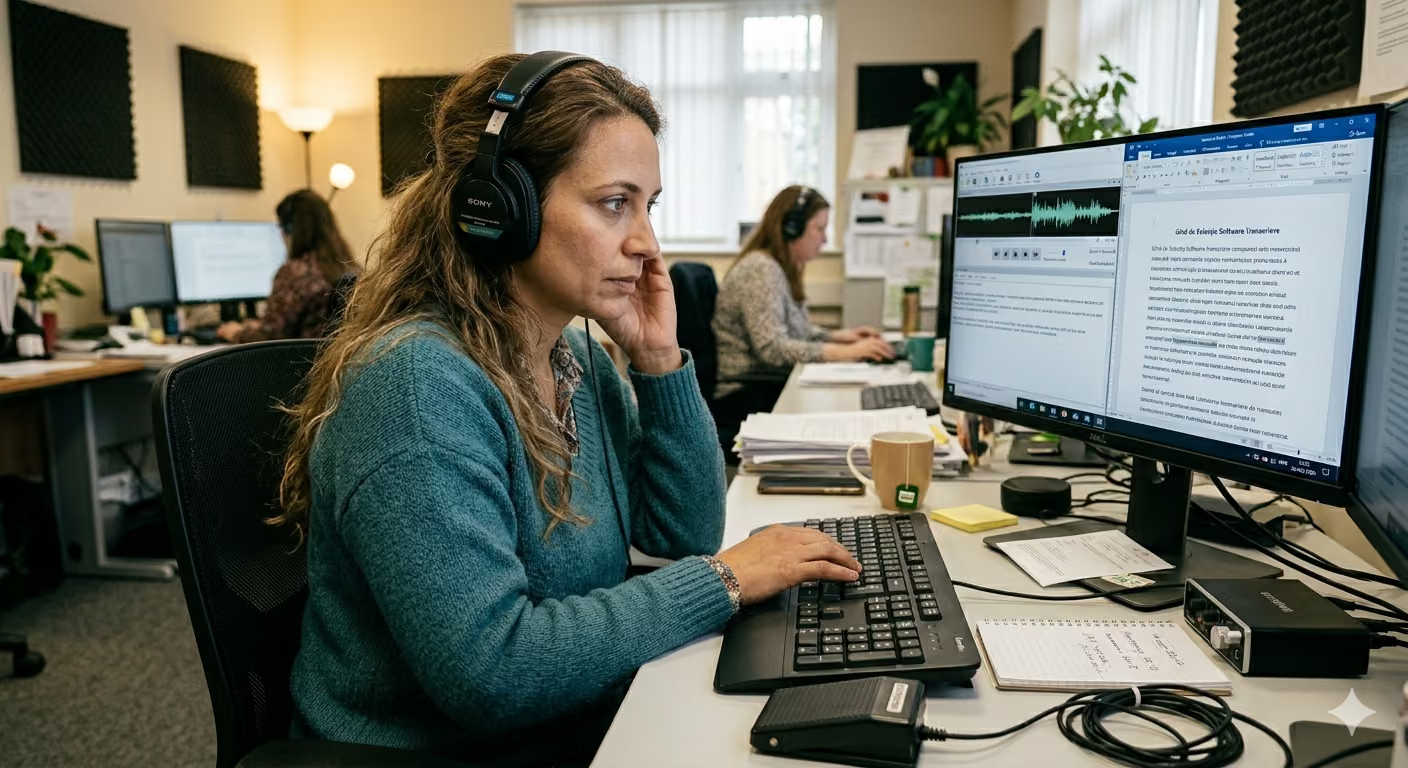
In Short
Automated transcription tools are fast, affordable, and accurate enough for most professional use cases, including podcasts, interviews, webinars, and internal meetings. Manual transcription, however, is still the safer choice in legal, medical, compliance, and editorial contexts where every word can carry official weight. The most efficient approach is often a hybrid workflow: use transcription software for the first draft, then have a human specialist review the passages that matter most.
Introduction: Choosing the Right Audio-to-Text Method
The real question is no longer whether transcription software works. It does. The more useful question is whether automated transcription is accurate enough for your specific project, your risk level, and the way the final text will be used.
A podcaster's needs are very different from the requirements of a legal file. A casual team brainstorming session does not carry the same risk as a medical record, a compliance interview, or an official subtitle file. That is why the decision should not be based on price alone. Before choosing between software and human transcription services, evaluate these factors:
- Audio quality: background noise, echo, distance from the microphone, and compression.
- Number of speakers: one speaker is easier than a panel, interview, or group meeting.
- Domain complexity: technical terms, names, acronyms, and industry jargon.
- Risk level: what happens if a word, number, or negation is wrong.
- Deadline: whether you need the transcript in minutes, hours, or days.
- Final use: internal notes, public content, subtitles, evidence, records, or publication.
How Accurate Is Automated Transcription Compared with Human Transcription?
Accuracy is the first criterion to evaluate. Performance changes significantly depending on how the recording was made and what the transcript will be used for.
Ideal Conditions vs. Real-World Recordings
On clean audio with one speaker, clear diction, and low background noise, modern transcription software can often reach 95% to 97% accuracy. In real-world recordings, however, accuracy can drop. Background noise, overlapping voices, poor microphones, strong accents, and specialized vocabulary can bring automated precision down to roughly 85% to 94%.
Professional human transcription services can consistently exceed 99% accuracy, especially when the reviewer understands the subject matter. The difference may look small on paper, but it can matter a lot in practice. A typo in a podcast transcript is usually easy to fix. A mistake in a legal statement, medical consultation, compliance interview, or published quote can change the meaning of an entire sentence.
Simple decision rule: if you need the transcript for quick review, documentation, internal search, or content repurposing, automated transcription is usually enough. If the text will be published officially, used in a legal or medical context, cited externally, or audited, human review is mandatory.
Cost Analysis: How Much Does Audio-to-Text Transcription Cost?
Cost is one of the main reasons teams move from manual transcription to automated workflows.
| Comparison Criteria | Automated Transcription Software | Manual Transcription Services | | :------------------------------------ | :------------------------------- | :---------------------------- | | Cost per minute | $0.05 to $0.25 | $0.72 to $1.50 | | Cost per audio hour | $3 to $15 | $60 to $90 | | Typical turnaround per audio hour | 5 to 15 minutes | 4 to 6 working hours |
For small volumes, both options may feel manageable. For teams that process audio or video every week, the difference becomes substantial. A team with only 10 hours of audio per month can spend a small annual amount with automated software, while manual transcription can quickly turn into a recurring four-figure cost.
The important question is not "Which option is cheaper?" but "Which parts of this workflow require human attention?" In many cases, paying humans to correct the final 10% of the transcript is much more efficient than paying them to create every word from scratch.
When Is Automated Transcription Software Worth It?
Automated transcription is ideal when speed, searchability, and cost efficiency matter more than certified word-for-word perfection.
- Podcasts and media interviews: Turn audio into blog posts, show notes, YouTube descriptions, social clips, quotes, and newsletter material. Minor errors can be edited before publication.
- Team meetings and internal calls: The goal is clarity: what was discussed, who proposed what, and which decisions were made. Perfect punctuation is less important than a searchable record.
- Webinars and online courses: Transcripts help create summaries, course materials, articles, captions, and accessibility assets from recorded sessions.
- Qualitative research and focus groups: Software can generate the first draft quickly, then researchers can clean up the relevant passages during analysis.
- Content repurposing workflows: Marketing, training, support, and product teams can turn long recordings into structured written material without waiting days for a transcript.
When Is Manual Transcription Safer?
Manual transcription is the safer option when accuracy has direct consequences, the transcript will be checked officially, or the text must preserve nuance with very little tolerance for error.
- Legal contexts: A single mistranscribed word can change the meaning of testimony, a statement, or a contractual discussion. For official legal use, human review is essential.
- Medical contexts: A wrong dosage, missing negation, or misunderstood symptom can create serious risk. Medical transcripts should be reviewed by qualified humans.
- Compliance and regulated industries: Interviews, investigations, audits, and governance records often require a higher level of traceability and review.
- Official subtitles and broadcast content: "Almost correct" is not enough. Timing, formatting conventions, readability, and tone all matter. For accessibility expectations, see the W3C guidance on captions and media transcripts.
- Highly specialized subjects: Algorithms can struggle with dense technical jargon, uncommon names, acronyms, dialects, and languages that are less represented in training data.
The Best Option for Most Teams: A Hybrid Workflow
For many modern teams, the best answer is not fully automated or fully manual. It is a practical collaboration between software and human expertise.
A hybrid transcription workflow usually looks like this:
- Upload the audio or video file into a reliable transcription platform.
- Generate a complete first draft in a few minutes.
- Review the transcript for names, technical terms, numbers, and ambiguous passages.
- Use human review only where the stakes justify it.
- Export the final transcript in the format your workflow needs: DOCX, PDF, TXT, or SRT.
This approach reduces cost and turnaround time without giving up quality control. It works especially well for legal teams, healthcare teams, researchers, journalists, educators, consultants, and marketing teams that need both speed and reliability.
Frequently Asked Questions
Can automated transcription reach 99% accuracy?
Yes, but only in near-perfect conditions: one speaker, clear diction, a professional microphone, and almost no background noise. In real recordings, accuracy usually drops, which is why critical material still needs human review.
Can I use AI for legal transcription?
Yes, AI can be useful for internal preparation, fast review, note organization, and searching through recordings. But any transcript that will be used as official evidence, submitted formally, or relied on in a high-stakes legal context should be reviewed by a qualified human.
How long does human review take for an automated transcript?
If the first draft is good, manual review usually takes around 60 to 90 minutes for each hour of audio. If the recording quality is poor, correction can take almost as long as transcribing from scratch.
Is automated transcription enough for subtitles?
It depends on the use case. For draft subtitles, social media clips, and internal content, automated transcription can be enough after light editing. For broadcast, paid courses, official accessibility requirements, or high-visibility content, human review is recommended.
Conclusion: How to Choose the Best Option
The fastest way to decide is to test the technology on your own material. You do not need a large file. A 5-minute sample is enough to see whether the resulting transcript meets your standards.
If you want to evaluate a fast transcription workflow, run a free test on Vorbe.ai and compare the transcript against the original recording. The result will show you whether automated transcription is enough on its own or whether a hybrid workflow is the better choice. For vendor selection, continue with the guide on how to choose automated transcription software.
Try VorbeAI on your own recording
Upload your audio or video and get an accurate transcript with speaker labels and time codes, ready to export. EU-hosted, GDPR-compliant.
Keep reading
More articles you might find helpful.
How to Get More Accurate Audio Transcriptions: Tactics That Actually Work
Tired of messy transcripts full of errors? Discover 10 practical tactics to improve AI transcription accuracy by optimizing your audio recordings.
How to Choose Automated Transcription Software? Essential Criteria for a Smart Choice
Discover the essential criteria for choosing the best automated transcription app. Details about real-world accuracy, GDPR, security, and workflow fit.
How Many Hours Do Legal Professionals Really Lose to Manual Transcription?
Studies show lawyers lose 2 to 5 hours daily to administrative work. See how AI transcription helps recover that valuable time.