

In short
Let's be honest: turning audio and video files into text stopped being a secondary option long ago. It is a strategic decision that can save (or waste) hundreds of hours of work. When choosing such a tool, ignore the shiny ads.
The factors that truly matter are real accuracy in your working language, correct speaker identification, export formats, GDPR-compliant data security, and fast integration into your daily routine. This practical guide shows exactly what to focus on and how to test software before pulling out your card.
Key Points
- Accuracy in ads is just marketing: Do not rely on the "99% accuracy" percentages in brochures. Test the platform on your real files, with background noise and local jargon.
- Security is not optional: If you work with sensitive data, European Union storage and a strict privacy policy are mandatory.
- Voice separation makes the difference: A good tool instantly recognizes who is speaking. Otherwise, you will lose hours trying to untangle a massive, indigestible block of text.
- Efficiency lives in details and integrations: You need flexible formats (DOCX, PDF, SRT, TXT) and direct connections with your favorite apps (Zoom, Google Drive, Notion).
- The golden rule: Never buy a subscription before running a 3-5 minute test with your own file.
Introduction: The Trap of Long Feature Lists
The market for speech-to-text solutions has simply exploded. Whether you need transcripts for interviews, corporate meetings, podcasts, or you want to extract text from video for platforms like YouTube and TikTok, the offer is huge. Dozens of new apps appear every month, and the natural question is: how do you choose correctly without wasting time and money?
The trap most users fall into is comparing endless lists of technical features. In reality, market studies show that many companies choose the wrong provider on the first try and switch after only a few months. Why? Because they realize they paid for exotic options they never use, while the app fails at the basics: the working language and real-world audio quality.
Fundamental Criteria for Evaluating Transcription Software
1. Accuracy in Your Language, Tested on Real Material
Every provider promises flawless accuracy. But transcribing perfectly recorded audio from a radio studio is one thing. Transcribing a Zoom meeting where two colleagues speak at the same time while a coffee machine hums in the background is another. For multilingual teams and non-English recordings, the differences between platforms can be huge.
How to test effectively: Upload a 3-5 minute excerpt from your own recording. If the app gets more than one word out of 20 wrong (meaning accuracy below 95%), the manual correction stage will take more time than writing everything from scratch. For preparing the sample properly, use the guide on getting more accurate audio transcriptions.
2. Automatic Speaker Identification (Diarization)
If your files contain two or more participants (interviews, meetings, debates), voice separation technology is vital. Without it, you get a compact wall of text that is impossible to review professionally. Quality software not only separates replies automatically, but also lets you change speaker names throughout the whole text with a single click.
3. Export Formats Adapted to Your Workflow
Download options seem like a minor detail... until you urgently need subtitles and the platform cannot generate that type of file. The professional industry standard includes at least four essential formats:
- DOCX: Ideal for further editing and report writing.
- PDF: Perfect for secure archiving and fast distribution to clients.
- SRT: The universal format required for professional video subtitles.
- TXT: Excellent for quick integrations, scripts, or simple storage.
4. Real Support for Working Languages (and Bilingualism)
If you only need clear English audio, many apps on the market will perform decently. The challenge appears when you add multilingual recordings, accents, technical vocabulary, or speakers who switch between languages during the same conversation. Look for a tool capable of handling code-switching and industry terminology without turning the transcript into guesswork.
5. GDPR Compliance and Exclusive European Union Storage
If your recordings contain personal data (client names, patients, business strategies, or employee data), security is non-negotiable. Fines under European regulations are severe, and the official guidelines published by the European Data Protection Board (EDPB) clearly show the responsibility you have when outsourcing data processing.
Make sure the provider guarantees data storage in EU data centers, uses bank-grade encryption (AES-256) both in transit and at rest, and can provide these details in a written agreement, not just in marketing copy on the website. For practical guidance on consent and legal bases, consult the European Data Protection Board guidelines.
6. Policy on Using Data to Train AI
Many international giants state in their Terms and Conditions that they have the right to use files uploaded by users to train and improve their artificial intelligence models.
For a law firm, a medical clinic, or a company that respects client confidentiality, this is completely unacceptable. It risks your trade secrets ending up in answers served to other users. Check that the Data Processing Agreement (DPA) clearly states: "User data will not be used to train internal or third-party models."
7. Custom Vocabulary (Custom Dictionary)
In specialized fields (legal, technical, medical, IT), adding a custom vocabulary can increase final text accuracy by up to 10%. This option lets you "teach" the algorithm difficult words before transcription: brand names, drug names, or technical jargon that standard software tends to confuse in funny (or annoying) ways.
8. Native Integrations That Remove Manual Work
Do not waste valuable time downloading huge files from one place just to upload them somewhere else. Modern software should connect natively with your digital ecosystem:
- Video conferencing: Zoom, Microsoft Teams, Google Meet.
- Cloud storage: Google Drive, Dropbox, OneDrive.
- Productivity: Notion, Slack, or project management tools.
9. Transparent Pricing Adapted to Your Usage
Pricing models vary considerably. Before choosing, calculate your estimated monthly volume in hours of audio/video content. Most of the time, professional subscriptions offer a much better cost per minute and access to premium features, unlike rechargeable pay-as-you-go options, which become extremely expensive at high volumes.
Conclusion: How to Apply These Criteria in Practice
Do not make a decision based on impulse or the minimalist look of a website. The best approach is to select 2-3 promising platforms and put them to work using exactly the same test files.
If you want to start your evaluation with a solution built for real-world professional recordings, aligned with European GDPR standards, and strict about protecting your confidentiality, you can run a free test on Vorbe.ai. Just a few minutes from your own file will show you exactly how the technology performs in real conditions.
Frequently Asked Questions (FAQ)
Which criterion is the most important?
Without question, accuracy in your working language. If the software does not correctly understand your speakers, terminology, and recording conditions, all the other editing, design, or integration features become useless because you will lose too much time manually correcting the text.
How can I be sure my data is not used to train AI models?
Do not rely only on the polished text on the website homepage. Check the mandatory legal document called the DPA (Data Processing Agreement). It is a firm contract between you and the provider. If a company refuses or avoids giving you an explicit DPA, that is a major red flag.
Can I use a US app if its website says it is GDPR compliant?
From a purely legal standpoint, it is possible if they use EU-based servers and offer Standard Contractual Clauses (SCCs). However, US companies remain subject to extraterritorial laws (such as the CLOUD Act), which can require the provider to give US authorities access to data under certain conditions. For maximum security and zero legal headaches, a 100% European provider is the safest route.
Try VorbeAI on your own recording
Upload your audio or video and get an accurate transcript with speaker labels and time codes, ready to export. EU-hosted, GDPR-compliant.
Keep reading
More articles you might find helpful.
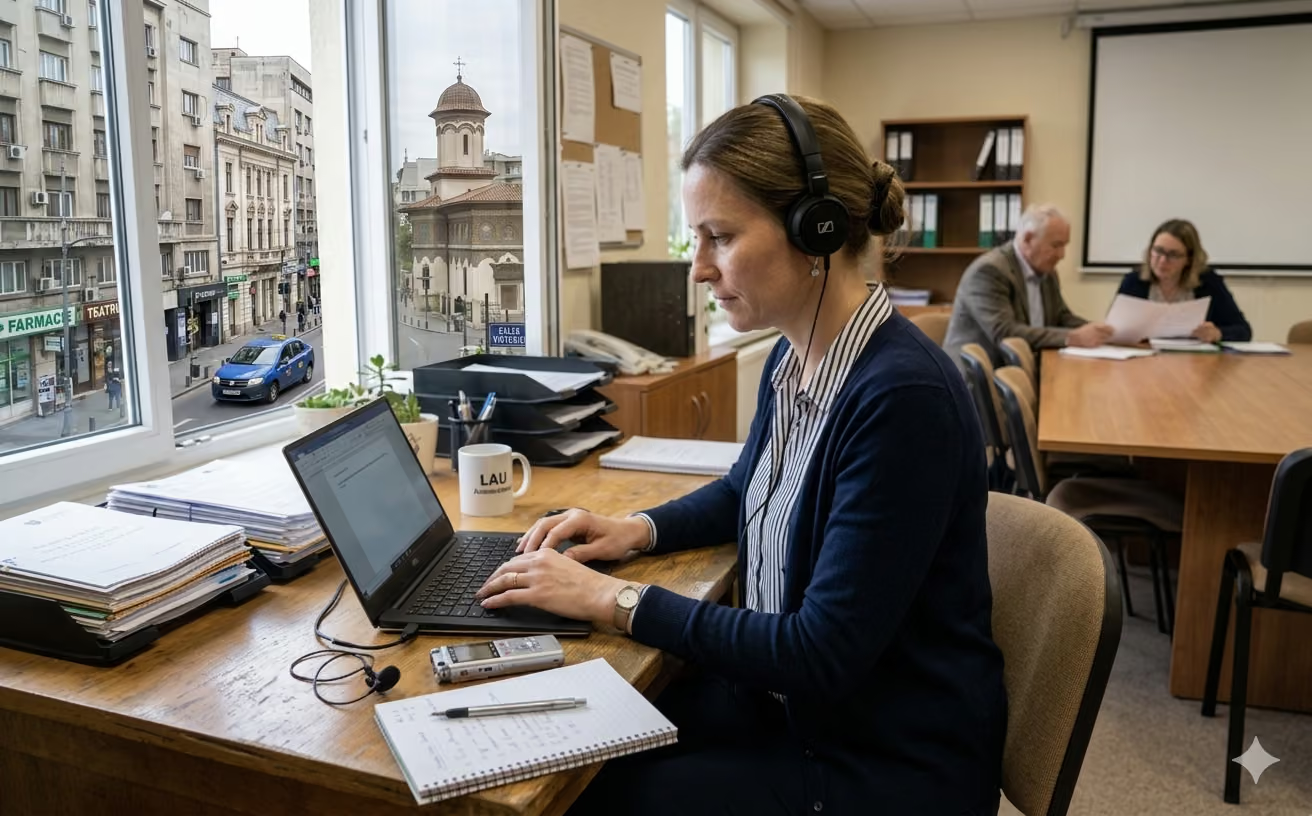
How to Get More Accurate Audio Transcriptions: Tactics That Actually Work
Tired of messy transcripts full of errors? Discover 10 practical tactics to improve AI transcription accuracy by optimizing your audio recordings.
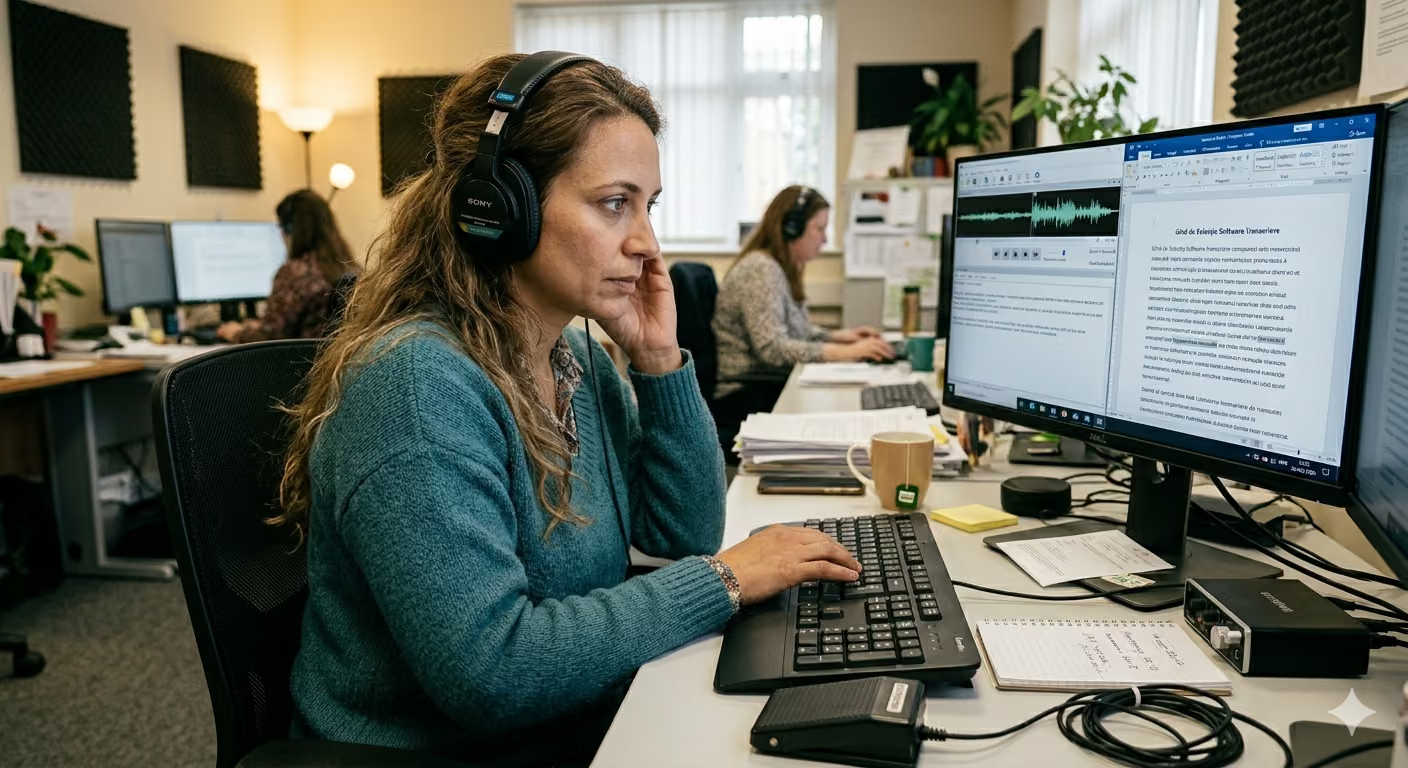
Transcription Software vs. Manual Transcription: How to Make the Right Choice
Discover when automated transcription software is efficient and when manual transcription services are still the safer choice. A practical guide to cost, accuracy, and review workflows.

How Many Hours Do Legal Professionals Really Lose to Manual Transcription?
Studies show lawyers lose 2 to 5 hours daily to administrative work. See how AI transcription helps recover that valuable time.